CJ Fallon eBook Reader2.2.1
Publisher Description
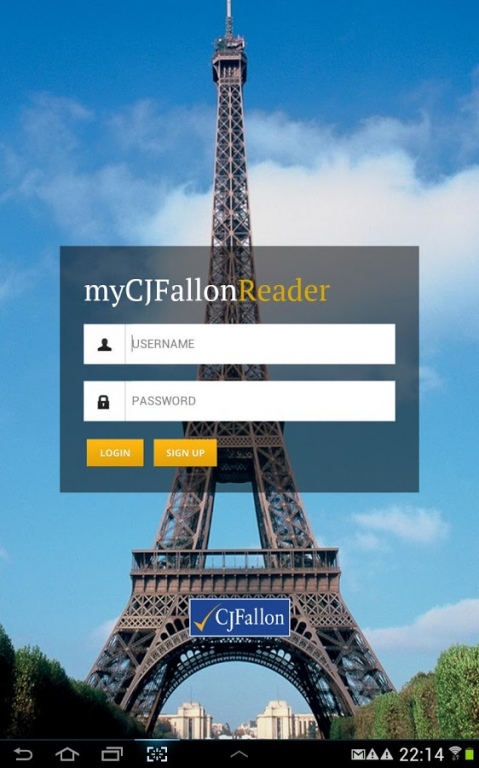
The CJ Fallon eBook Reader provides access to all of our Primary and Post-Primary online resources.
By making our textbooks available online, students, teachers and parents can unlock eBooks on demand through a licensing model that provides access to high quality digital versions of CJ Fallon titles.
User accounts are backed-up and synced to the CJ Fallon Digital Hub ensuring users have access to the resources wherever they are (subject to Internet access).
A full library of multimedia content can be downloaded with selected books bringing audio and much more to the digital text book.
A comprehensive notes feature also allows users to add notes to books and save them for reference later.
Recommended for use on the Samsung Galaxy Tab 10.1.
Requires Android: 3.2 and up
About CJ Fallon eBook Reader
The company that develops CJ Fallon eBook Reader is CJ Fallon Limited. The latest version released by its developer is 2.2.1. This app was rated by 4 users of our site and has an average rating of 2.0.
To install CJ Fallon eBook Reader on your Android device, just click the green Continue To App button above to start the installation process. The app is listed on our website since 2014-02-13 and was downloaded 186 times. We have already checked if the download link is safe, however for your own protection we recommend that you scan the downloaded app with your antivirus. Your antivirus may detect the CJ Fallon eBook Reader as malware as malware if the download link to IPI.cjfallon.ereader is broken.
How to install CJ Fallon eBook Reader on your Android device:
- Click on the Continue To App button on our website. This will redirect you to Google Play.
- Once the CJ Fallon eBook Reader is shown in the Google Play listing of your Android device, you can start its download and installation. Tap on the Install button located below the search bar and to the right of the app icon.
- A pop-up window with the permissions required by CJ Fallon eBook Reader will be shown. Click on Accept to continue the process.
- CJ Fallon eBook Reader will be downloaded onto your device, displaying a progress. Once the download completes, the installation will start and you'll get a notification after the installation is finished.
Program Details
System requirements
Download information
Pricing
Version History
version 2.2.1
posted on 2014-02-13
Version 2.2.1,=======,New features added:-,- Minor UI updates,- 2-page book spread,- Multimedia files downloaded with book, available for offline usage,- Multimedia ‘hotspots' on pages allow touch/tap event to open specific media files,- Language definitions displayed in pop-up box,- Launch and display websites in a pop up browser window in the app,- Launch and display images in a pop up ‘lightbox’ within the app
